MinesweeperPuzzle·Free to play
 Free-Games.toSign inSurprise me
Switch off every light on the five-by-five board by toggling cells and their neighbors.
Sign in to save your scores and play history, or keep playing as a guest. Recent game activity and scores appear on the homepage with a masked email or IP address.
 Lights Out
Tap a light: toggle it and its four orthogonal neighbors · Hint: highlight a move from a solution · Undo: reverse your last press
The selected light and the cells directly above, below, left and right change state. Diagonal neighbors do not change.
Win when every cell is dark. A cell can be pressed whether it is lit or unlit.
Hints solve the current board and highlight a useful next press. Generated boards are always solvable because they start from a dark board and apply valid presses.
This Lights Out game is built for Free Games. Read about controls and local storage.
A repeated press cancels its earlier effect, so you can reason about combinations. Sudoku uses fixed placement constraints instead, with notes separating possibilities from final answers.
If you enjoy grid logic with a fixed answer, the beginner nonogram walkthrough shows how row and column clues overlap to prove filled cells.
Lights Out is a 5 by 5 grid of 25 lights, some on and some off. Press any cell and it toggles, along with the cells directly above, below, left and right of it. Diagonals never change. Switch every light off and you have won.
The trick is that pressing a cell fixes one light and disturbs up to four others, so the puzzle fights back. Two facts make it solvable. Pressing the same cell twice undoes itself, so a solution never needs a cell pressed twice. And the order of your presses does not matter, only the set of cells you choose.
The standard method is called chasing the lights. Work down the board pressing cells in row two to clear the lit cells in row one, then row three to clear row two, and so on. When you reach the bottom row, the pattern left there tells you which cells in the top row to press to finish. Every board on this page is generated by pressing cells on an already-dark grid, so a solution always exists, and the Hint button solves the current position and highlights one correct press. Undo steps back. The classic logic puzzles guide covers this alongside Peg Solitaire.
| Genre | Puzzle Games |
|---|---|
| Challenge | Fiddly by feel, tidy once you see the method |
| Pace | Two to ten minutes per board |
| Original era | 1995, a handheld from Tiger Electronics |
| Players | Single player |
| Controls | Tap a light, Hint, Undo |
| Cost | Free, with no account and no download |
Tiger Electronics released the handheld Lights Out in 1995, a small square unit with 25 backlit buttons and 50 built-in puzzles. It sold well enough to earn sequels, including Lights Out Cube and Lights Out 2000, and the name stuck to the whole genre.
The mechanic was not new. Merlin, a 1978 Parker Brothers handheld, included a game called Magic Square on a 3 by 3 grid with related toggling rules, and the same idea had circulated as a mathematical curiosity for years before that.
What made Lights Out interesting to mathematicians is that the whole puzzle is a system of linear equations over GF(2), the field of two elements, where adding one to one gives zero. Each cell is a variable that is pressed or not, and Gaussian elimination solves the board. On the standard 5 by 5 grid the solution space has two free variables, which means only 1 in 4 of all possible light patterns can be switched off at all, and every solvable pattern has exactly four different solutions. The puzzle games guide has more of this kind of thinking.
Five at most: the cell you pressed and its four orthogonal neighbours, above, below, left and right. Diagonals are never affected. On an edge or corner cell, the neighbours that fall off the board simply do not exist, so fewer lights change.
Yes, and you often must. A press works the same on lit and unlit cells, switching each affected light to its opposite state. Solutions regularly involve pressing dark cells to fix lit ones nearby.
Every board here is. Each puzzle starts from a fully dark grid and is scrambled by making legal presses, so reversing that set of presses always works. On a random 5 by 5 pattern chosen with no such care, only a quarter would be solvable at all.
No. Only the set of cells you press matters, not the sequence. Pressing A then B leaves exactly the same board as pressing B then A, and pressing any cell twice cancels out completely.
It solves the position you are currently in and highlights one cell from that solution. It does not press the cell for you, and the solution it finds is recalculated each time, so a hint is still valid after you have wandered off course.
It is the standard method. Ignore the top row and press cells in row two directly under every lit cell in row one, clearing row one. Repeat down the board. Whatever is left in the bottom row identifies a small set of top-row presses that finishes the puzzle.
Yes. Tap a cell to press it. Undo reverses your last press and Hint highlights a useful one, so the whole puzzle works with taps alone and no keyboard.
Four games from the same shelf, each with its own pace. The one-line summaries are how their own pages describe them.
| Game | What it is like | Pace | Play |
|---|---|---|---|
| Minesweeper | Reveal the safe squares and flag the hidden mines. | Bursts of thought, then quick clearing | Play |
| Sudoku | Fill each row, column and 3 × 3 box with the digits 1–9. | As slow as you like, no timer pressure | Play |
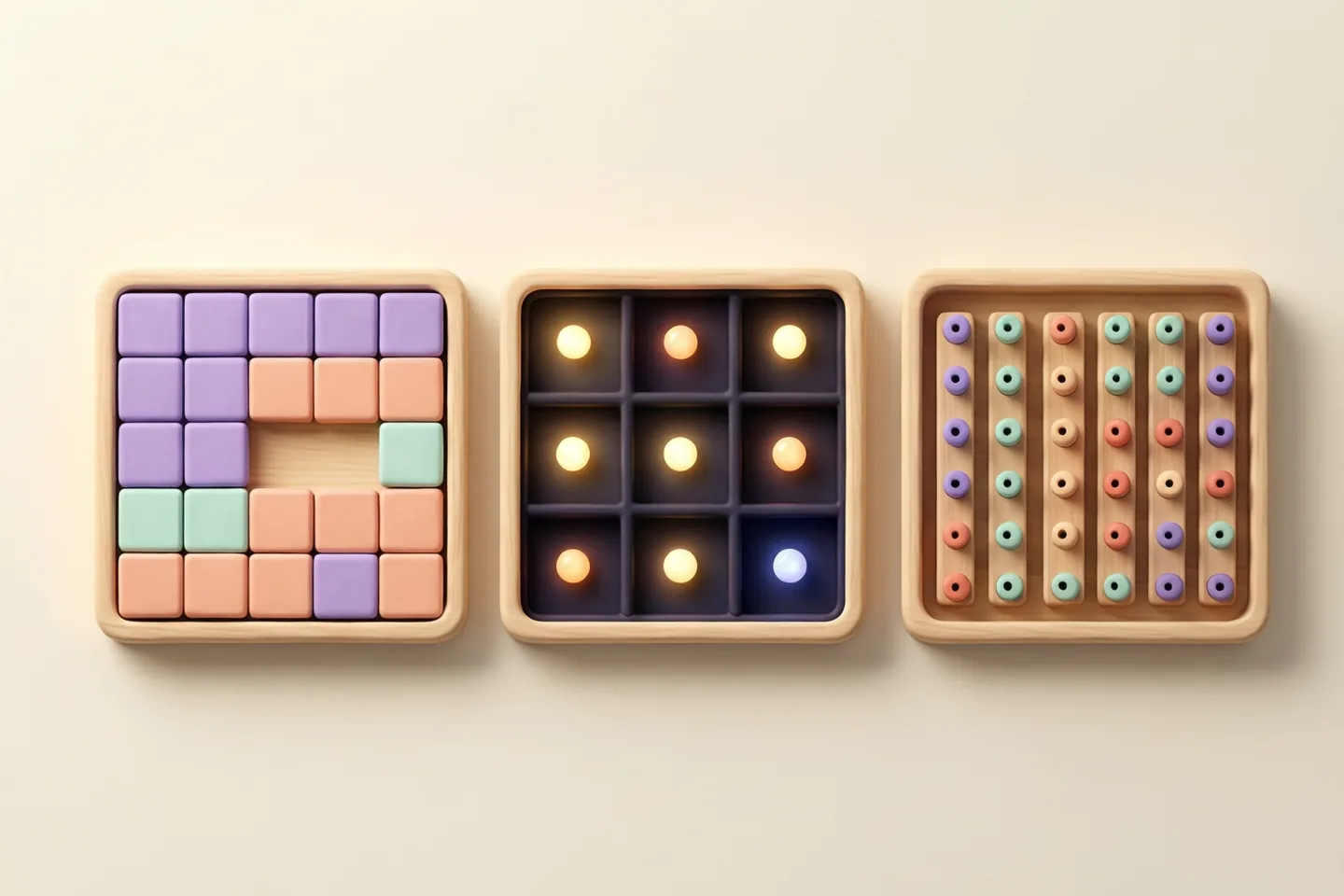
Slide tiles, switch lights and decode colors with a clear purpose for each move.
 QUICK PICK
Shortcuts