Chess clocks: starting time and increment, explained.
Starting time is each player’s initial time budget. An increment adds seconds after a completed turn. Set both before starting, then tap the active clock or press Space after each move on your own chessboard.
Two separate time budgets
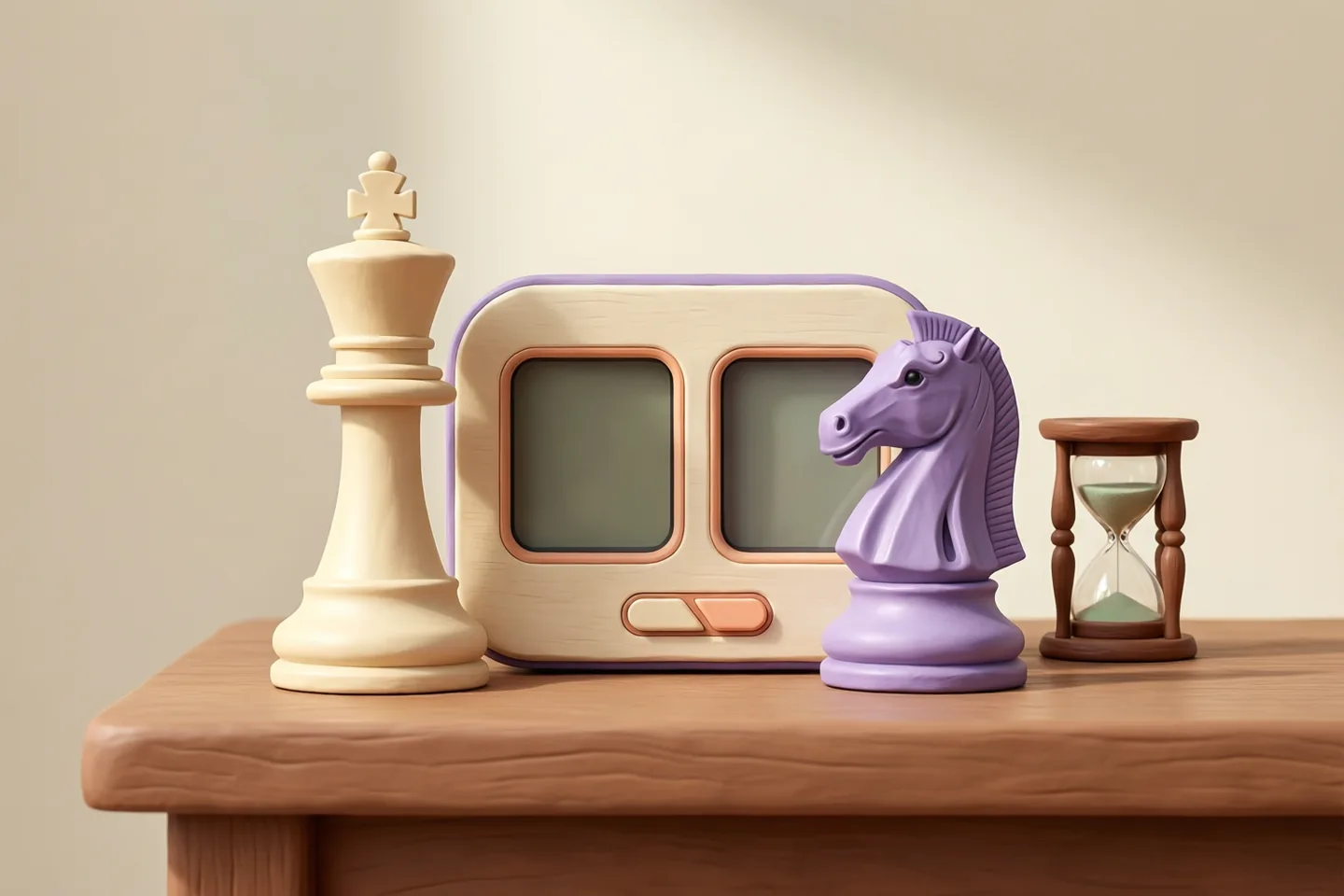
A chess clock holds two separate time budgets, and only the active player’s timer runs.
How a turn passes
Make your move on the board, then press the active clock. That stops your timer and starts your opponent’s.
What this tool provides
It provides the timers only. You supply the board, the pieces and the rules, so the clock never checks whether a move was legal.
Agree the control before you start
Both players should settle the starting minutes and the increment first. Changing either one mid-game means resetting both budgets.
Neither player can borrow time
The two budgets are separate for the whole game. Pressing the clock is the only thing that moves the countdown from your side to your opponent’s.
The clock does not know the rules
It counts time and nothing else. If a move is taken back or a piece is misplaced, the players settle that between themselves while the clock keeps running.
Press the clock, then let go of the piece
The habit that keeps a game clean is to complete the move first and press second. Pressing early stops your own clock before the move exists on the board.
What an increment adds
An increment adds a fixed number of seconds to your clock after you complete a move.
| Method | When time changes | Effect on your total |
|---|---|---|
| Increment | After you complete a move | Seconds are added to your remaining time |
| Delay | Before your countdown starts | Nothing is added; the countdown simply waits |
A quick move can gain time
Finish a turn in two seconds with a three-second increment and your remaining time goes up rather than down. That is the practical difference between increment and a plain countdown.
Reading a time control
A control written as 5 + 3 means five minutes each plus three seconds a move. The first number is the budget and the second is the top-up.
Increment rewards finishing the move
Time is added when you complete a turn and press the clock, not when you start thinking. A move you never finish adds nothing to your budget.
This tool uses increment. In a 5-minute game with a 3-second increment, both players begin at 5:00 and gain 3 seconds for each completed turn.
Set up before starting
Enter the minutes per player and the increment in seconds, then check the displayed starting times before you begin.
- The first active side is shown on screen before play starts.
- Tap the active panel or press Space after each move.
- Pause stops both clocks.
- Reset returns both clocks to the chosen time control.
Check the numbers before the first move
Read the starting times back on screen, because a mistyped increment is hard to notice once play has begun. Reset returns both clocks to the control you chose.
Pause is for interruptions, not thinking
Pause stops both clocks, so keep it for a genuine break rather than extra thinking time. Agree in advance who may press it.
The active side is shown on screen
Before the first move, check which panel is lit so both players know who starts. Tapping the wrong panel gives away time you cannot get back.
Know the device limits
Keep the page visible and prevent the phone from sleeping during the game. The timer uses elapsed time rather than counting animation frames, but a backgrounded or sleeping browser can still delay what the display shows. Agree with your opponent how to handle interruptions before using a browser timer for a serious game.
Calculate a 5 + 3 turn
In a 5 + 3 time control, each player starts with five minutes and receives three seconds after completing a turn.
| Time used | Before +3 s | After +3 s |
|---|---|---|
| First player: 8 seconds | 4:52 | 4:55 |
| Second player: 2 seconds | 4:58 | 5:01 |
The second player still has 5:00 when their first turn begins. A quick turn can leave more time than the starting amount. Increment is added after a completed turn; it is not a delay before the countdown starts.
Set up the actual timer
Open Chess Clock for a playable example from this collection, then continue with the browser controls guide. Browse the board strategy games collection as more games are added to the public library.
Questions about chess clocks
Can I use this clock for games other than chess?
Yes. It is a two-sided timer with a start time and an increment, so it works for draughts, backgammon, word games or anything else where two people alternate turns. Nothing about the display or the controls assumes a chessboard.
What happens if we forget to press the clock after a move?
The mover's clock keeps running, because the timer only knows about presses. There is no way to recover the lost seconds, so agree in advance how you will handle it, and press before you settle back into your chair. A reminder from the opponent is the usual convention.
Do we need two devices, or is one phone enough?
One device is all you need. The two panels sit side by side on the same screen, and each player taps their own panel after moving, or either player presses Space. Put the device between you where both of you can reach it.
Is a bigger increment better than a longer starting time?
It depends on the game length you want. An increment protects you from losing purely on time in a long ending, because every completed move gives the seconds back. A longer start with no increment gives you more thinking time early and none at the finish. This tool takes one to a hundred and eighty minutes and an increment of nought to sixty seconds.
These tips refer to the editions in our library. Game controls and behavior can differ elsewhere. Spotted a problem?