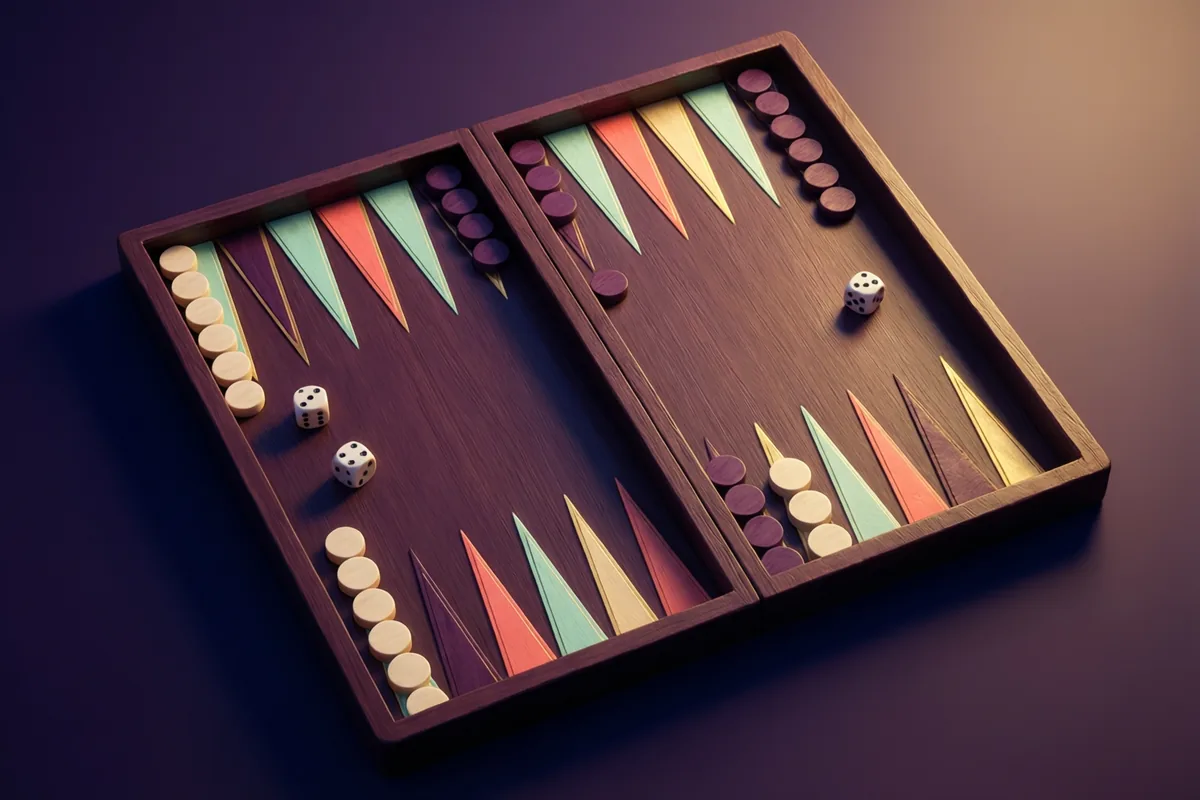
 NEW GAME
BackgammonStrategy·Free to play
 Free-Games.toSign inSurprise me
Time a game on your own chessboard with two configurable countdown clocks.
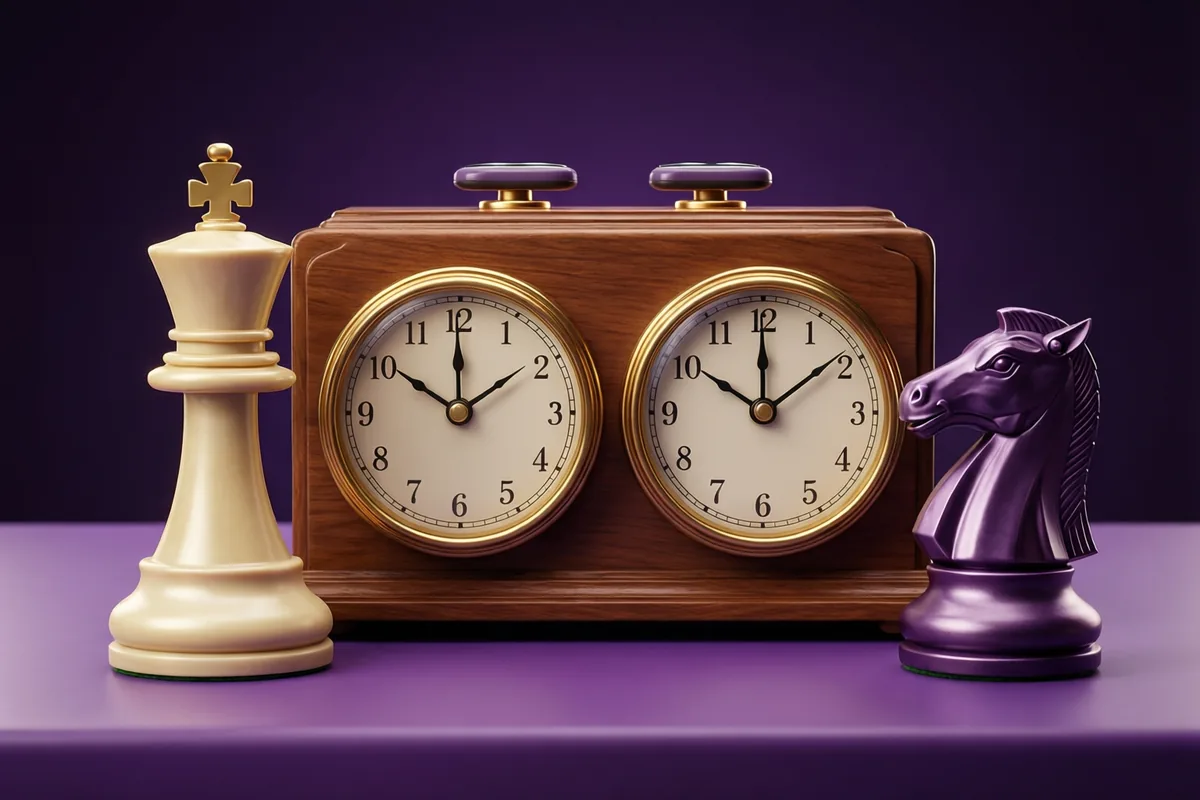 Chess Clock
Use with your own chessboard. Tap the active clock or press Space after a move.
Choose starting minutes and increment seconds before beginning.
Start the clock, then tap the active player’s panel after a move.
Pause stops both timers. Reset begins a new game with the selected settings.
No. It provides two timers for a separate chessboard. It does not move pieces or supply an opponent.
Keep the browser tab visible and the device awake during timed play. Background scheduling and sound vary by browser and device; this timer does not promise reliable operation while the screen is locked.
This Chess Clock timer is built for Free Games. Read about controls and local storage.
If this run is not going your way, Reversi is close by in the same collection and tests a separate skill. Alternating between two games in one collection keeps a session interesting without asking you to learn a whole new set of controls.
Before starting a timed game on your own board, read the chess clock increment guide to understand when added seconds enter the clock and how to choose the timer settings.
This is a timer, not a game. There is no board and no opponent here. You bring your own chessboard, set the clock on the table between you, and it counts down whichever player is thinking.
Set the starting minutes and the increment in seconds before you begin. Minutes accept anything from 1 to 180, and the increment runs from 0 to 60 seconds. Press Start, and player one's clock begins running. After a move, that player taps their own panel or presses the space bar. Their clock stops, the increment is added to their remaining time, and the opponent's clock starts. Pause halts both sides, and Reset returns to your chosen settings and unlocks the inputs.
The increment is the part people misunderstand. It is added after a move is completed, not before, so it rewards moving rather than merely surviving. A 5 minute clock with a 3 second increment behaves quite differently from a flat 5 minutes, and the increment and setup guide explains which control suits which game. Keep this browser tab visible while you play, because background tabs and screen locks affect timers differently on each device. Once your game is over, the browser chess board is here whenever you have no opponent nearby.
| Genre | Board Strategy Games |
|---|---|
| Challenge | No skill required, just fair timekeeping |
| Pace | Whatever you set, from 1 to 180 minutes |
| Original era | 1883, the first mechanical chess clocks |
| Players | Single player |
| Controls | Tap active clock / Space, Pause |
| Cost | Free, with no account and no download |
Before clocks, tournament chess had a serious problem: a player who was losing could simply stop moving. In an infamous 1851 London game, Elijah Williams reportedly took hours over single moves, and opponents were left staring at the board. Sandglasses were tried first, at the 1861 Anderssen versus Kolisch match in Bristol.
The mechanical answer arrived in 1883, at the London tournament, where Thomas Bright Wilson of the Manchester Chess Club introduced a pendulum clock with two faces that tilted so only one ran at a time. The pair of connected analogue clocks with a falling red flag followed, and that design stayed standard for a century.
Increments came much later. Bobby Fischer patented a digital clock in 1988 that added a fixed number of seconds after each move, so a player could never lose purely because they had no time left to make an obvious move. The Fischer increment is now the default in most serious play, from blitz online to world championship matches. Board games that use one are listed in the strategy collection.
No. This is only a two-sided countdown timer for a physical board, which is why the page has no opponent selector and saves no scores. If you want to play, the chess board elsewhere on this site includes a computer opponent and a two-player mode.
The seconds are added to a player's remaining time the moment they finish their turn by tapping their panel. Set it to 3 and every completed move gives that player 3 more seconds. Unused increment stays on the clock, so careful play can build time back up.
Tap the panel of the player who has just moved, or press the space bar. Only the running clock responds, so tapping the waiting player's panel does nothing. That is intentional and matches how a physical clock behaves.
The clock stops at zero and the status line names the player who ran out. The timer does not decide the game itself, because in real chess a player with insufficient material to mate cannot win on time. Agree the outcome between yourselves, then press Reset.
No. The minutes and increment inputs lock once you press Start, which stops an accidental edit from wiping the position. Press Reset to unlock them, but that also restarts both clocks from your chosen time.
Treat that as unreliable. Browsers throttle background tabs and phones suspend timers when locked, and the behaviour differs by device. Keep the tab visible and the screen awake for the whole game.
For a casual game across a table, 10 minutes each with a 5 second increment is comfortable. Blitz is usually 3 minutes plus 2, and rapid is commonly 15 plus 10. Agree the setting before either of you touches a piece.
Four games from the same shelf, each with its own pace. The one-line summaries are how their own pages describe them.
| Game | What it is like | Pace | Play |
|---|---|---|---|
| Backgammon | Move all fifteen checkers into your home board and bear them off before your opponent. | Ten to twenty minutes for one game | Play |
| Chess | Checkmate the opposing king in a full game of chess against the computer or a friend. | Twenty minutes to an unhurried afternoon | Play |
| Tic-Tac-Toe | Make a line of three against the computer or a friend on the same device. | Under a minute per game | Play |
| Reversi | Outflank opposing discs and finish with the most discs on an eight-by-eight board. | Around ten minutes a game | Play |
Set up a shared-device timer for the board game you are actually playing.
NEW GAME NEW GAME
 NEW GAME
 NEW GAME
Shortcuts