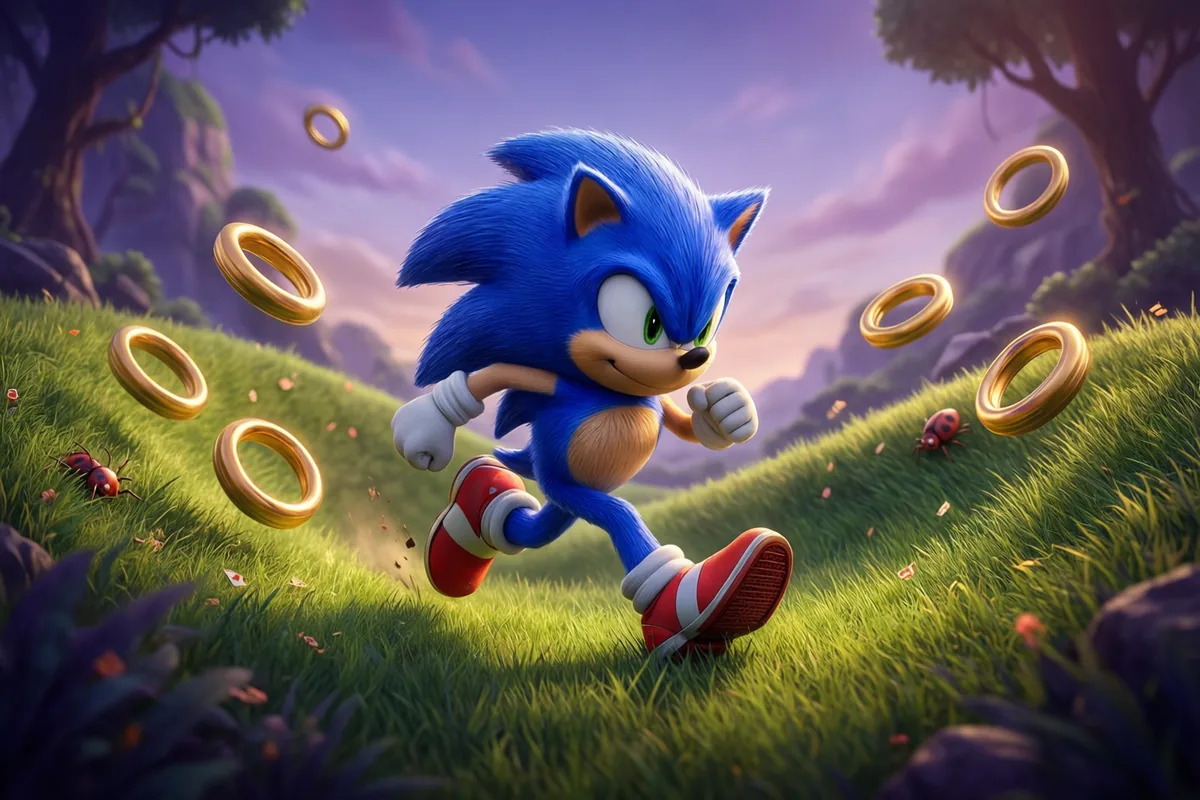
Sonic the HedgehogRunning·Free to play
 Free-Games.toSign inSurprise me
Alternate leg presses in rhythm to sprint 100 meters without introducing your face to the track.
Independent browser adaptation · Not an official releaseSign in to save your scores and play history, or keep playing as a guest. Recent game activity and scores appear on the homepage with a masked email or IP address.
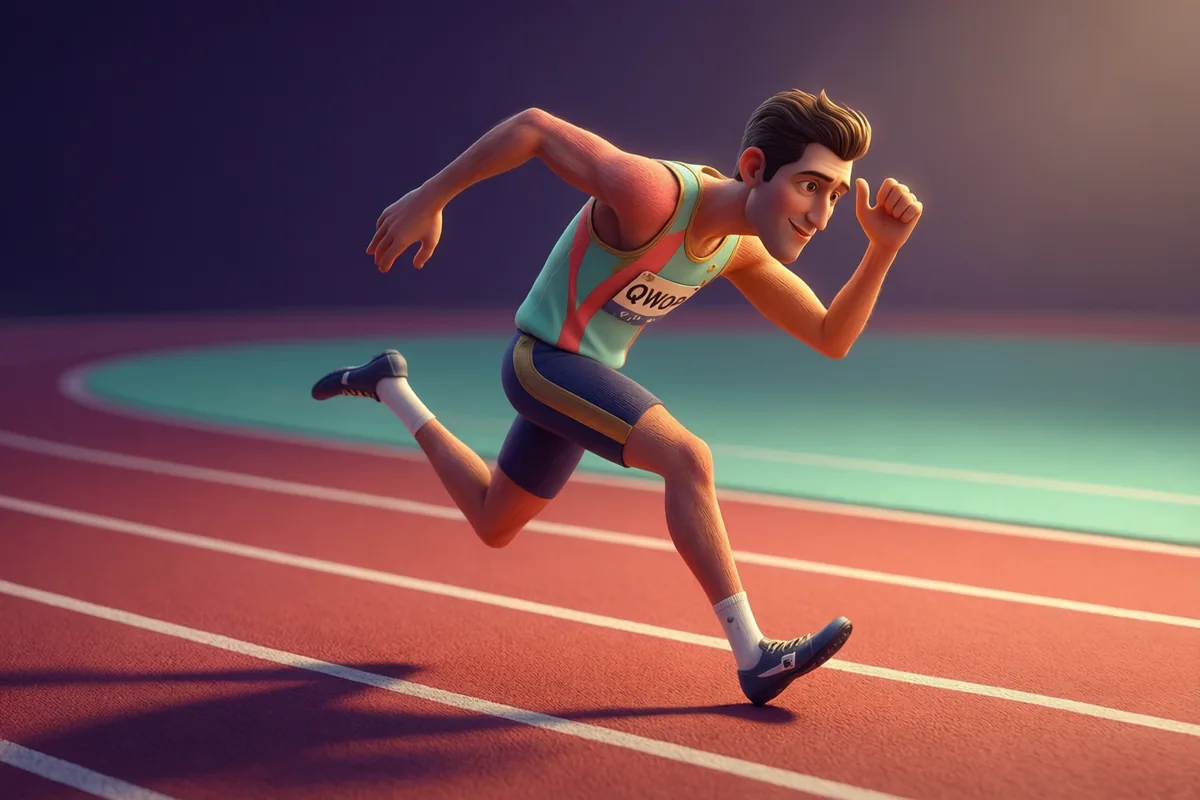 QWOP
QWOPLeft key then Right key, or tap the left and right halves of the screen. Each press is one stride of that leg.
About one stride every 0.4 seconds is the sweet spot. Faster pitches you forward; slower tips you back.
Pressing the same leg twice is a stumble, and the HUD shows which leg is next. Trust the HUD, not your instincts.
The meter above the track drifts red as you tilt. Adjust stride timing early: a red ball is nearly unsaveable.
Every meter scores. The finish pays 500 plus a fat time bonus, and simply finishing puts you in rare company.
This independent browser adaptation uses the original game’s established title. It is not an official publisher release or an original ROM. Its artwork, tuning and controls may differ from other games with similar rules. Guest personal bests stay in this browser. Signed-in players can also save scores and play history to their private dashboard; there is no global leaderboard. Read about controls and local storage.
Alternating inputs works only when the runner stays balanced. For an input-timing exercise with explicit visual cues, try Piano Tiles and follow the approaching tiles.
QWOP takes the most natural human activity and returns it to you disassembled. Your athlete stands at the start of a 100-meter dash, and instead of a run button you get two: left leg, right leg. Alternate them in rhythm and something like running emerges; press them in panic and something like modern dance emerges, briefly, before the track intervenes. Balance is the whole sport: stride too fast and you pitch forward, dawdle and you tip back, double-tap one leg and physics files a formal complaint. The balance meter above the track shows exactly how doomed you are at all times, and speed itself raises the stakes, because a fast wobble is much harder to catch than a slow one. Every meter pays points, the finish line pays gloriously with a time bonus, and the crowd bounces along regardless of outcome, because they came for exactly this. Most runs end in the dirt. Your best distance remembers the ones that didn't.
| Genre | Arcade Sports Games |
|---|---|
| Challenge | Notoriously, hilariously hard |
| Pace | Two steps forward, one dignity back |
| Original era | 2008 (ragdoll-athletics era) |
| Players | Single player |
| Controls | Left / Right, Space / ↑, Tap screen halves |
| Cost | Free, with no account and no download |
In 2008 a game designer and philosophy lecturer released a browser game about sprinting with four keys controlling individual thigh and calf muscles, and accidentally created one of the most famous comedy-difficulty games ever made. Its genius was reframing failure as content: the flailing, collapsing athlete was funnier than any cutscene, and the world's shared incompetence became the community.
QWOP is our tribute to that idea, tuned for two buttons and an arcade score: the same manual locomotion, the same physics comedy, a balance meter for the optimists and a time bonus for the impossible few. Running remains harder than it looks. That is the lesson, and the game.
Because running is a controlled fall, and the game gives you manual control of the fall part. That is the entire joke and the entire sport.
Accumulated tilt. Bad stride timing, repeated legs and high speed all feed the tilt; past a threshold, gravity accepts your application.
A tiny wobble per stride keeps runs organic, and it is rolled fresh every attempt. The physics is otherwise pure.
20 meters is respectable, 50 is impressive, and a finished 100 with a time bonus is a personal best you will not beat often.
Both work; keyboard's tactile rhythm is slightly easier for most. Your best distance does not care how you suffered.
Four games from the same shelf, each with its own pace. The one-line summaries are how their own pages describe them.
| Game | What it is like | Pace | Play |
|---|---|---|---|
| Sonic the Hedgehog | Speed is a religion. The hills are its church. | Downhill theology | Play |
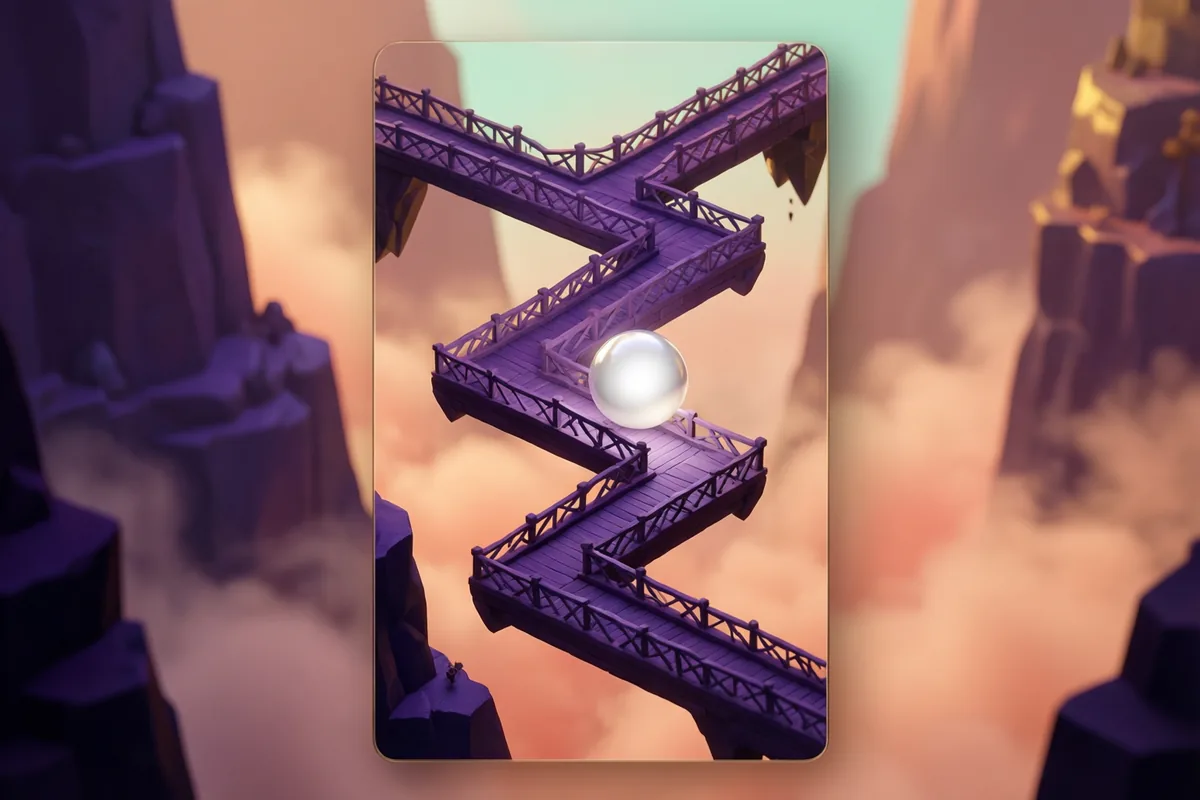
| ZigZag | Left, right, left - The path is thinner than it looks. | Ball accelerates the longer you live | Play |
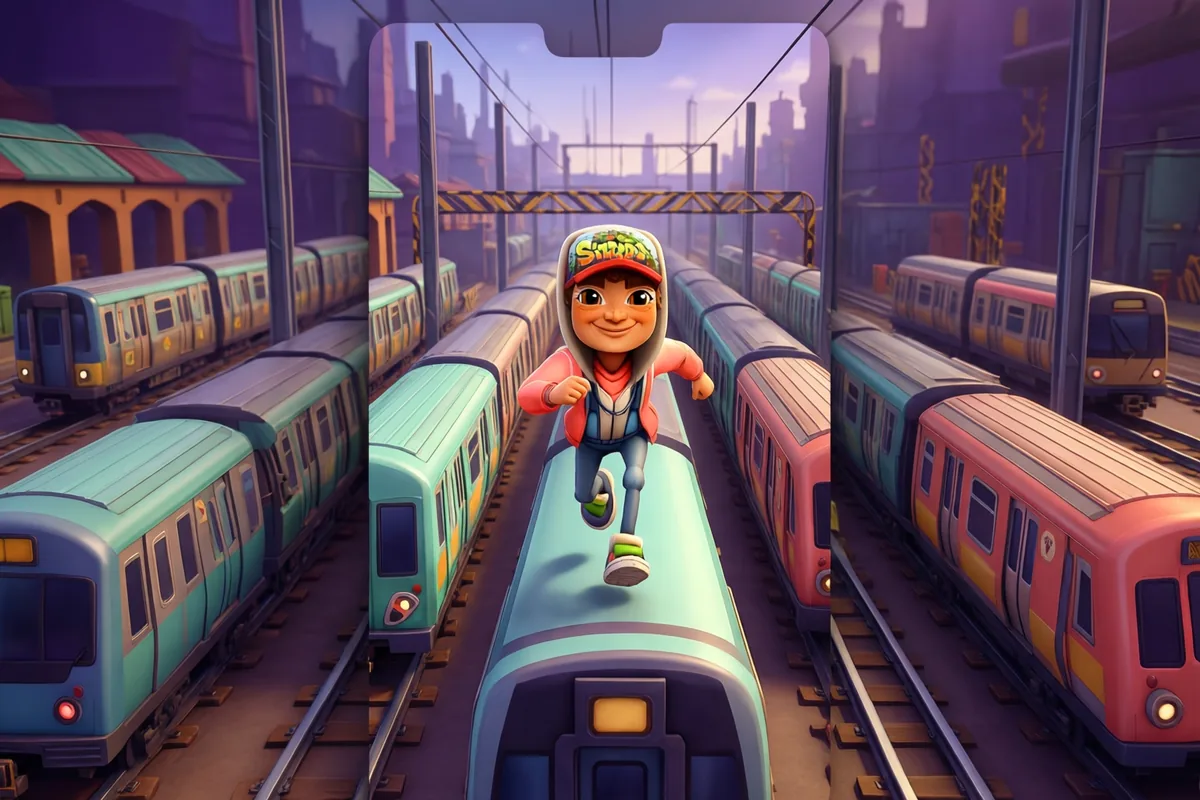
| Subway Surfers | Three tracks, one runner, endless trains. | The rails only get faster | Play |
| Night Driver | A first-person night drive, with smooth steering and a 90-second clock. | The odometer is also the difficulty dial | Play |
Compare drag shots, timed kicks and live puck returns before trying to improve the score.


Shortcuts